
After years with no major upgrades, popular Android utility app Downloader by AFTVNews has rolled out a major update. The new version, Downloader V2.0, features an improved user interface and performance, including a larger built-in web browser, a redesigned UI, a smoother cursor, and a number pad for shortcodes.
According to developer Elias Saba, they have released Downloader 2.0, the “biggest update yet,” with a new design that unifies the app’s interface across TV and mobile devices.

The Downloader app is popular among streaming enthusiasts because it’s easy to use, free, and reliable for sideloading third-party apps. It’s compatible with Android-based devices, including mobile phones, tablets, FireSticks, Android TV boxes, and smart TVs.
The new update has been rolled out worldwide, and the app is available for download from the Amazon App Store for Fire TV devices and the Google Play Store for Android devices. Saba has also cautioned against the growing number of fake Downloader apps, urging users to use the latest version to ensure the best experience.
A larger, Edge-to-Edge Browser Takes Center Stage
For a long time, the Downloader app was primarily a URL field and a Go button to start the download process. If you wanted to search for something on the internet, you had to switch from the Home menu to the Browser menu. With the new update, these two have been merged into a built-in, fully functional web browser at the center of the homescreen. Sab explains:
“Because the built-in web browser is arguably the app’s most important and widely used feature, I decided to center this first major redesign around it. Downloader’s browser is now front and center on the Home screen. This redesign eliminates the unnecessary browser tab and merges the two redundant URL fields in the previous version into one centralized address bar that handles URLs, short codes, and Google searches all in one place.”
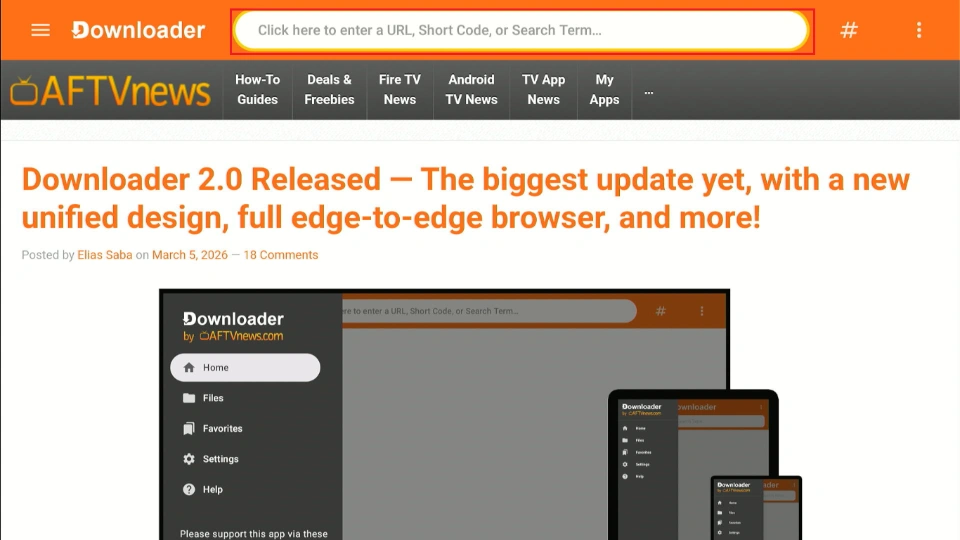
The web browser now has more screen space. In the past, some part of the screen was permanently occupied by the side menu. The new design prioritizes the browser screen by hiding the side menu when not in use.
This expands the browser view by 38% and allows it to occupy 89% of the screen. You can always click on the Downloader or the three horizontal lines icon at the top left to return to show the sidebar.
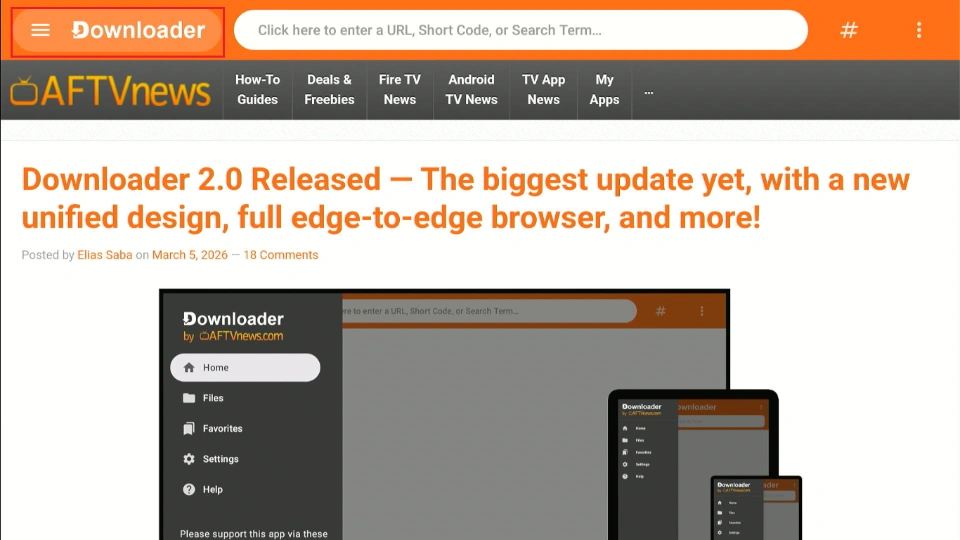
The sidebar is now a hidden feature that only appears when you need it.
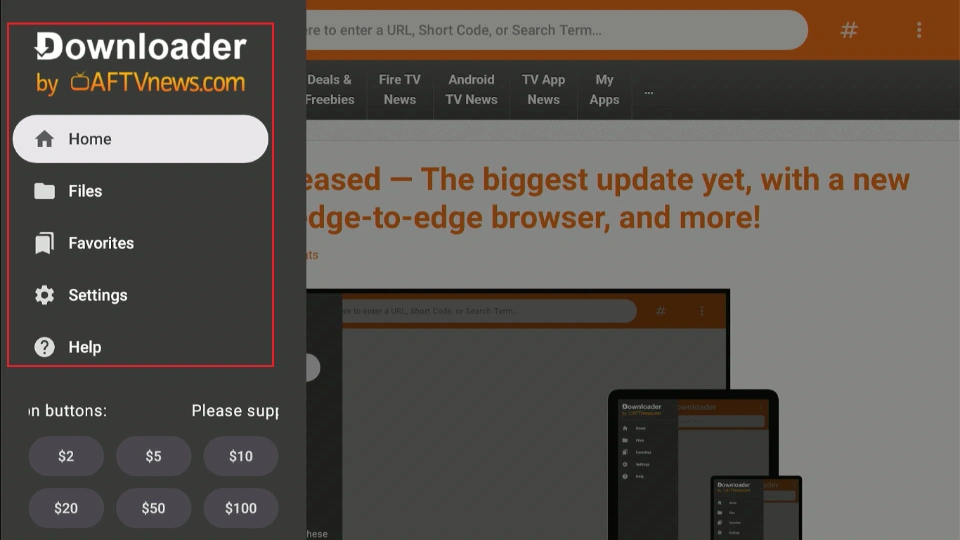
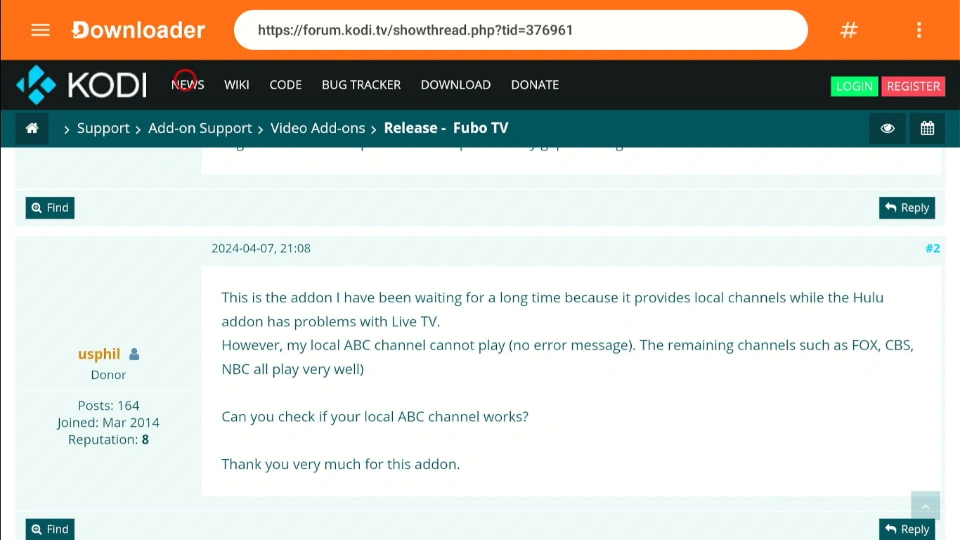
The extra browser space improves the viewing experience, especially when browsing detailed websites that favor full-desktop layouts such as GitHub, APKMirror, and other third-party app repositories.
A Number Pad for Downloader Codes
Downloader codes simplify the process of downloading apps from external websites (sideloading). Instead of entering a long URL in the URL field, you can shorten it into a simple numerical short code. Downloader V2 further simplifies the download process by introducing a numeric keypad.
The # button in the top-right corner opens a number pad. This number pad features a numeric-only keyboard, which is simpler than the standard keyboard that includes letters, numbers, and special characters.
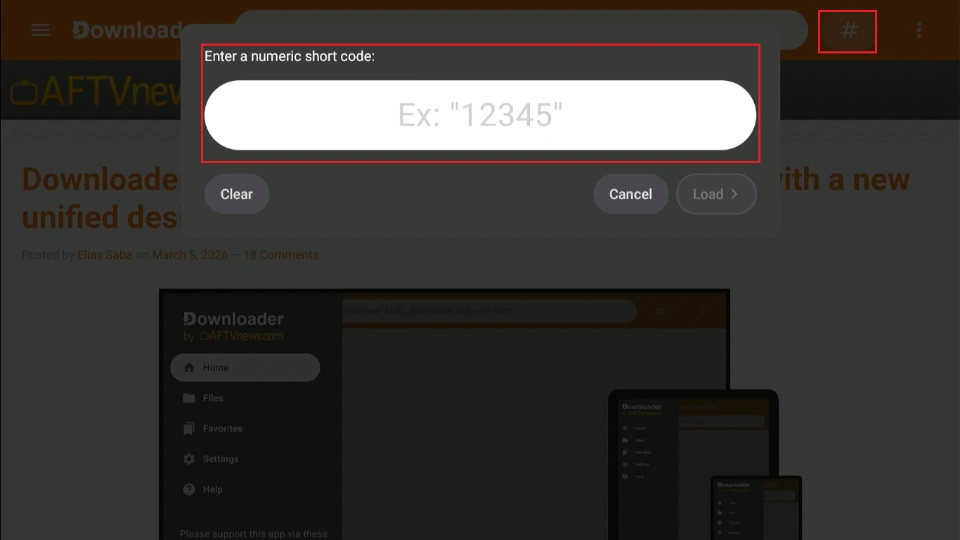
This is a major usability improvement, especially in Android and Google TV devices whose on-screen keyboards lack a dedicated number row.
Downloader Now Registers as a Standard Web Browser
The Downloader app now registers as an Android web browser, just like Chrome, Opera, FireFox and Silk Browser. The app can now automatically open links from other apps. Suppose you are using a FireStick and for some reason, the Silk browser is not working. You can choose Downloader as your default browser and use it to open URLs, files, etc.
“Downloader V2 now registers as a standard Android web browser. This means it will handle web links from other apps if no alternative browsers are installed on the device. It also allows it to be set as the device’s default browser,” Saba commented.
Custom Downloader Links
The browser supports various link types, including http://and https://. In addition, it also supports custom downloader:// links.
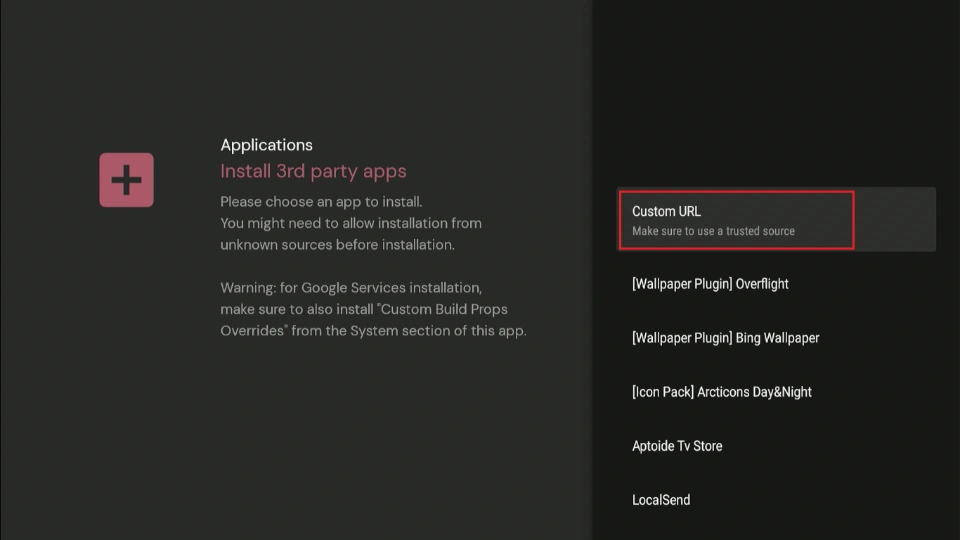
Other apps and websites can open URLs, short codes, and searches directly in the Downloader app. This new linking capability with other apps will further simplify sideloading third-party apps.
Some utility apps have already rolled out support for these Downloader links and shortcodes. For instance, Projectivy Launcher, a popular Android TV launcher, allows users to enter a code to open Downloader and automatically download files.
Better User Experience- Smoother Cursor and Bug Fixes
Besides improving the UI, Downloader 2.0 has also improved the overall user experience (UX). The new cursor is smoother and more responsive to your remote control movements. The cursor movement is more precise, making it easier to click even the smallest web links. This precision is much needed when navigating thirty-party websites with a lot of ads and pop-ups.
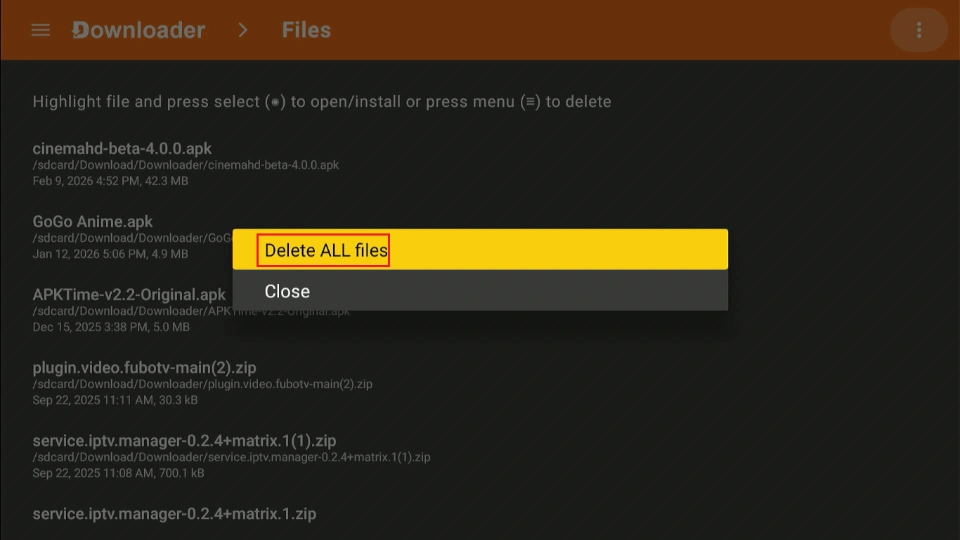
Another notable feature added to the new app version is the Delete All Files function, which clears all installed files at once. In the older Downloader app, you could only delete a single file at a time. While most users delete files during the sideloading process after installing the app, the new bulk-deletion feature will save you time in case you skip the step and files accumulate.
Sometime in 2025, accessing Downloader became problematic, especially when using a web browser for search queries. Some servers, such as Cloudflare, required too many human (I am not a Robot) checks. The developer has fixed this bug in the latest update.
How to Get New Downloader V2
Downloader 2.0 (V2) is available on the Amazon App Store and Google Play Store. If you already have the app installed, navigate to the respective app store, search for Downloader, and click Update. You can also uninstall and reinstall the app. Either way, you should see the new changes once you update the app.
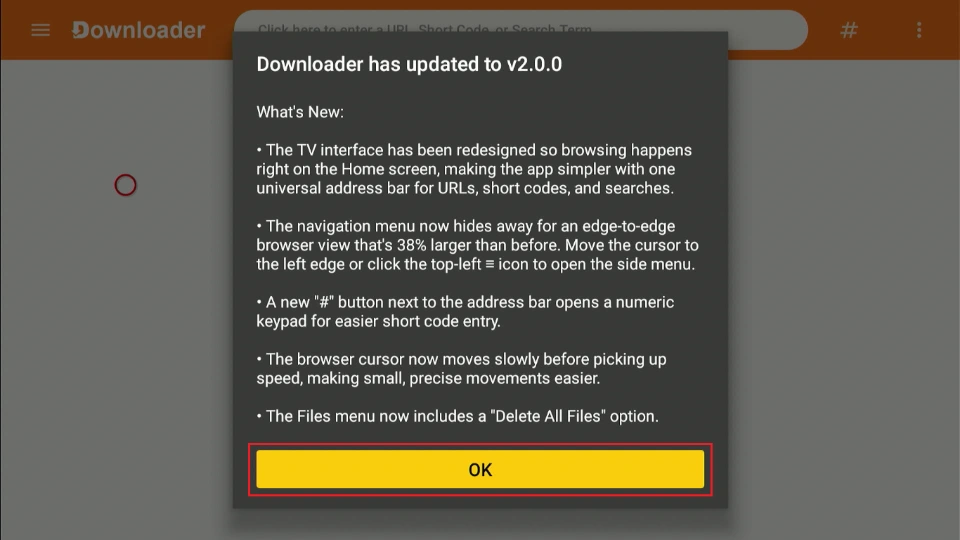
If you’ve enabled auto-updates on your device, no need to manually update the Downloader app. The app will auto-update because it is an official app. You’ll get a notification about the new update and what’s new. Click OK and continue using the updated version 2.0.
If you’re doing a fresh install, make sure to install the Downloader app from AFTVNews. Fake Downloader apps are emerging on both the Amazon and Google Play Stores.
Final Thoughts
The new Downloader V2 introduces a redesigned user interface that enhances the experience on both mobile and TV devices. Usability improvements like the number pad shortcut and a smoother cursor make it even easier to sideload your favorite third-party apps hassle-free. The developers have promised more bug fixes in subsequent releases, so keep an eye out for them.
What do you think of the new Downloader 2.0 release? Share your thoughts and queries in the comments section below.

Suberboost Your FireStick with My Free Guide
Stay Ahead: Weekly Insights on the Latest in Free Streaming!
No spam, ever. Unsubscribe anytime.




