
In this article, I will cover the best sites to watch TV shows online for free.
The sites listed here focus on free or ad-supported access. This page includes only legal platforms that operate publicly and hold verified distribution rights for the content they provide.
What to Expect from These Sites and Who This Guide Is For
The websites included on my list primarily feature older TV shows, classic sitcoms, niche genres, and a mix of independent and lesser-known movies and series.
I believe these platforms are a great option for cord-cutters who want to save money while sticking to legal streaming services instead of paying for multiple subscriptions.
The websites on this list work on any device with a web browser, including FireStick, Android TV, smartphones, tablets, Windows PCs, and Macs.
Most of these sites are restricted to specific regions (especially the USA), or their library may vary by region. However, you can easily unblock them with a VPN.
Attention!
ISPs, hackers, and other third-party entities worldwide may monitor your online activities. For security, privacy, and smooth streaming, it is recommended to use a reliable VPN for FireStick. Your IP address is visible to sites you visit.
I use ExpressVPN, a fast and secure VPN service. It is easy to install on any device, including Amazon Fire TV Stick, PC, Mac, and Smartphones. Also, it comes with a 30-day money-back guarantee. If you don't like their service, you can always ask for a refund. ExpressVPN also has a special deal where you can get 4 months free and save 81% on the 2-year plan.
Are the TV Show Websites Safe & Legal?
Yes, all the sites I have provided are safe, legal, and compliant with the law. And they are free too!
Important note: Some sites may serve targeted ads or use tracking scripts — I always recommend using a VPN to limit data exposure. ExpressVPN comes with the ad-blocking feature.
Best Sites to Watch TV Shows Online Free (Sep 2026)
Here is our list of the best sites to watch TV shows. I test these sites regularly to ensure that the information in the article is always up to date.
Also Read: Best free movie streaming sites
1. Tubi TV
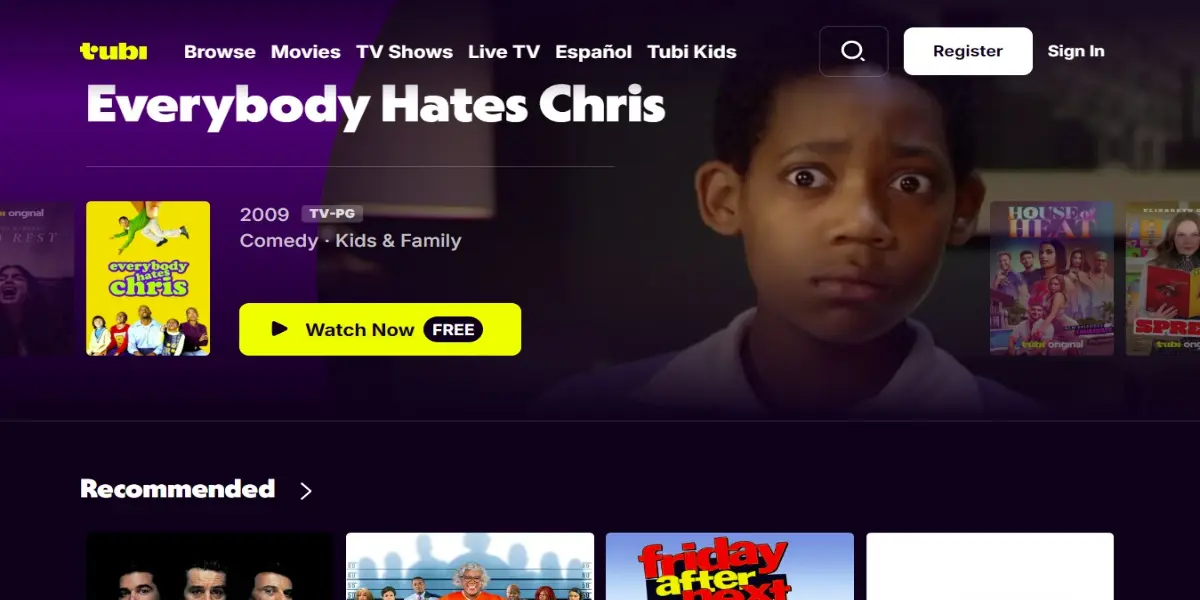
When I want to watch free content, Tubi is usually my first choice.
Tubi does not require you to sign up to start watching content. However, I created an account because it personalizes recommendations, lets me add favorites, and saves my watchlist.
Signing up also syncs your recommendations and watchlist across devices. For example, if you leave an episode midway on your laptop, you can resume watching it later on another device.
Tubi also has apps for almost all devices. I have it installed on my FireStick, Android TV, and smartphone. In fact, I prefer watching Tubi on the app rather than on the website because it is smoother.
I find the design straightforward and neat. You can easily browse and navigate the platform.
Most online reviews say that Tubi is a reliable, no-cost option for casual streaming. However, it got some mixed reviews for its free live streaming of the Super Bowl.
Technical Details
- Aps: FireStick, Android TV, Roku, Apple TV 4K, Android, iOS, Windows, and Mac
- Resolution: Most old content is capped at 480p and 540p, but some titles are available in 720p and 1080p HD
- Ads: Shows ads (but minimal)
- Subtitles & Accessibility: Closed captions and subtitles available for most videos
2. Plex
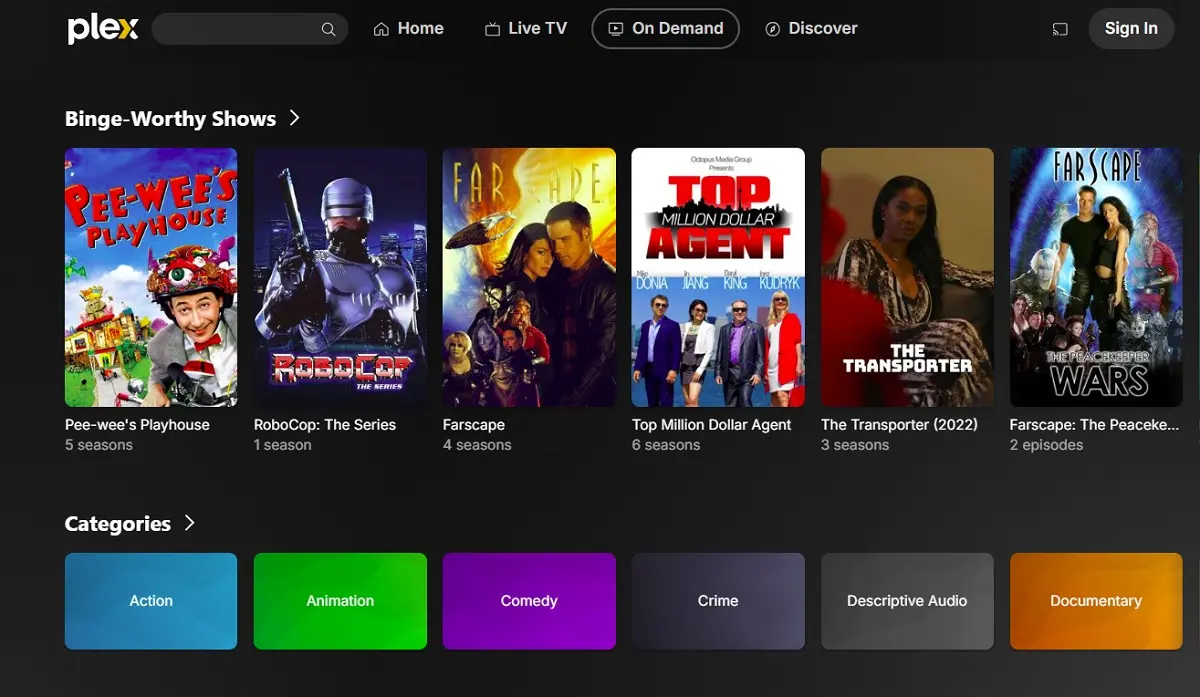
I knew that Plex was supposed to organize the local video and audio files on my laptop, but I found out a bit late that it also offers free streaming.
Well, that was a pleasant surprise. Since then, I’ve started using it quite regularly, especially when I want to watch something less mainstream. It offers both classic and lesser-known titles that I have never come across on Netflix or Prime Video.
It also lets me explore different genres, including dramas, comedies, old westerns, and even a few telenovelas I never expected to enjoy, such as In the Name of Love.
Most videos stream in HD. Some titles may feel a bit dated, but I do not mind that because it adds to the nostalgic feel.
Plex offers apps for almost all major devices. When I’m at home, I prefer watching through the TV app for a more comfortable experience. I usually use the website on my laptop only while traveling.
You can watch some videos without signing in, but I recommend creating an account to unlock the full free content library. Once logged in, you can also create a watchlist and continue watching across devices.
Plex is available in most countries. I know this because I asked a few friends living abroad, including one in France who also tested Tubi for me, and they had no trouble accessing Plex.
Some videos are unavailable outside the US, likely due to licensing agreements with copyright holders. However, my friends were able to access the US library easily using a VPN.
Technical Details
- Apps: FireStick, Android TV, Roku, Apple TV 4K, Android, iOS, Windows, and Mac.
- Resolution: 720p to 4K, depending on the type of content
- Ads: Shows ads, but they are usually not very annoying
- Subtitles: Yes, closed captions and English subtitles are available
3. Pluto TV
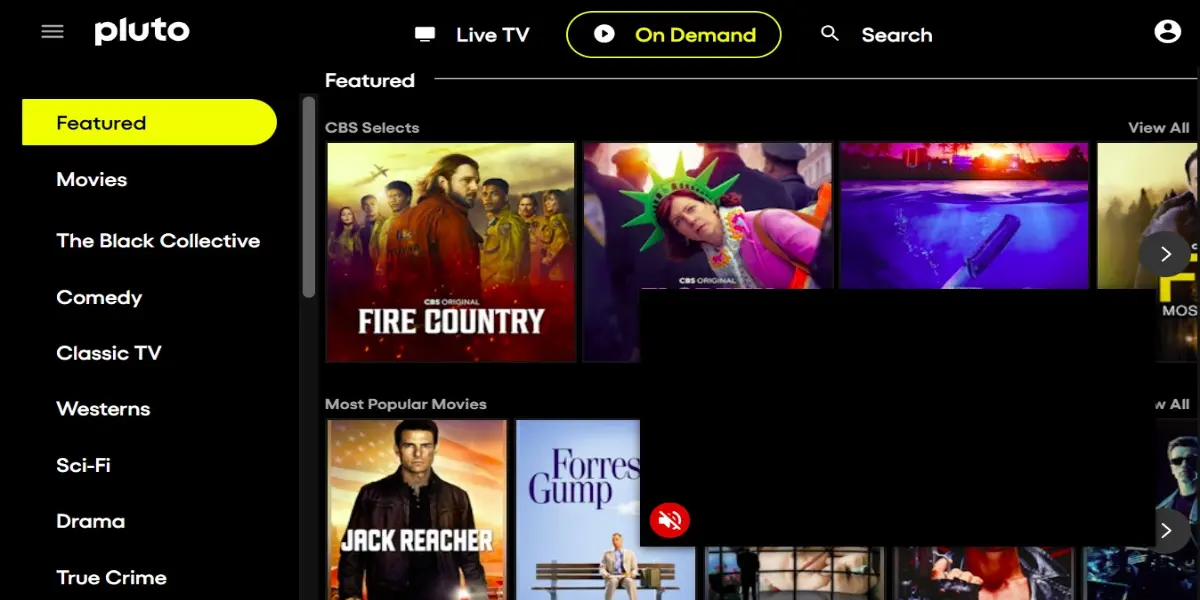
I have also been using Pluto TV for a while now, and I am more than satisfied. Even though it doesn’t have much premium content, I have discovered tons of amazing titles for hours of streaming.
Like Tubi or Plex, Pluto TV did not force me to sign up. I did it anyway because I like to maintain a watchlist.
Pluto TV licenses content directly from providers such as CBS, MTV, Comedy Central, and Paramount Pictures.
You can explore dozens of movies and shows by clicking the On Demand section at the top. I primarily use Pluto TV to watch old sitcoms, but the platform offers a much broader selection across different genres.
I like Pluto TV for those times when I don’t want to overthink what to watch. There’s enough content, and I always end up stumbling upon something interesting.
Pluto TV has ads, but they don’t bother me much. It feels like commercial breaks on traditional TV.
Technical Details
- Apps: FireStick, Android TV, Android mobiles and tablets, iOS and iPad, Roku, Apple TV 4K, Windows, and Mac.
- Streaming Quality: Up to 4K, but not for all titles. Some streams only up to 720p, especially older titles.
- Ads: Shows ads, but they aren’t very annoying
- Subtitles & Accessibility: Closed captions and subtitles in English and Spanish.
4. Prime Video (The Free Segment)
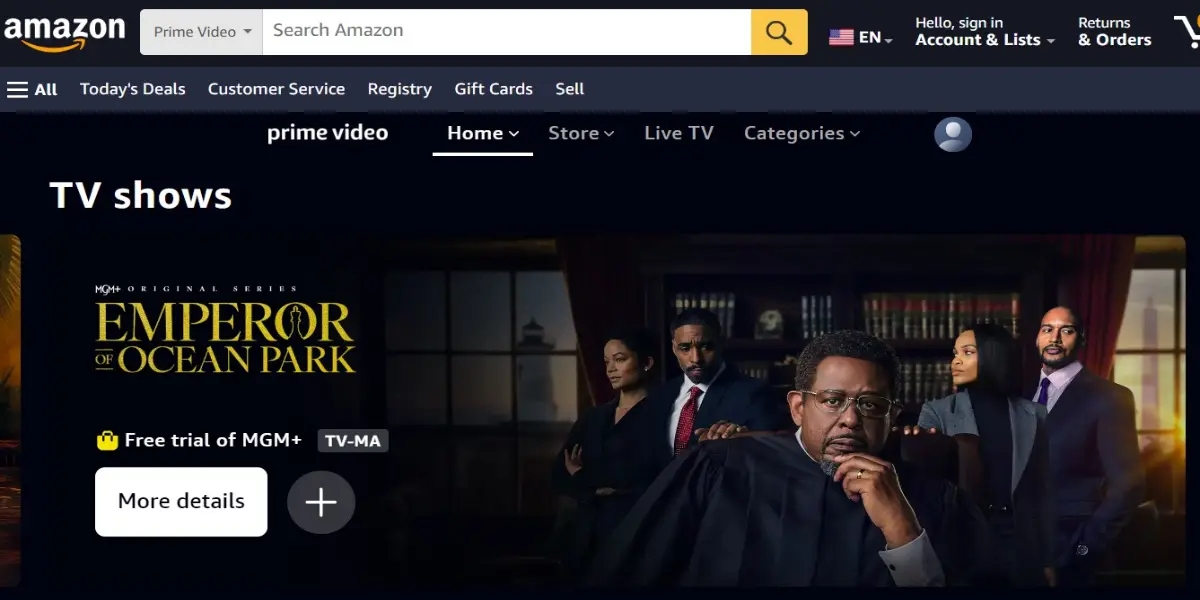
I use Prime Video quite often because I find it a very reliable streaming service, much like Netflix (and also because Prime membership gives me shopping benefits on Amazon).
Yes, Amazon Prime is paid, but it also offers a 30-day free trial that gives you access to its entire library of movies, shows, anime, and other on-demand videos. I think it’s a good way to test the waters.
But if you don’t want to use the free trial or have already used it up, Prime also offers a huge collection of free content that you can explore in the Free with ads section.
I was excited to see that the free segment also includes Prime Originals such as The Rings of Power, Jack Ryan, and The Marvelous Mrs. Maisel.
Is there a catch? Yes. Not all seasons are free. For example, you can watch seasons 1–3 of Tom Clancy’s Jack Ryan for free, but season 4 is available only with a subscription. Thankfully, there are still many completely free titles.
I prefer the browser experience to the app on my laptop. However, the app is much smoother on TV devices like FireStick than on browsers.
Technical Details
- Apps: All popular devices
- Resolution: Up to 4K UHD.
- Ads: Yes, if you have a free plan or you are watching titles that are free with ads
- Subtitles & Accessibility: Closed captions and subtitles available in multiple languages.
5. The Roku Channel
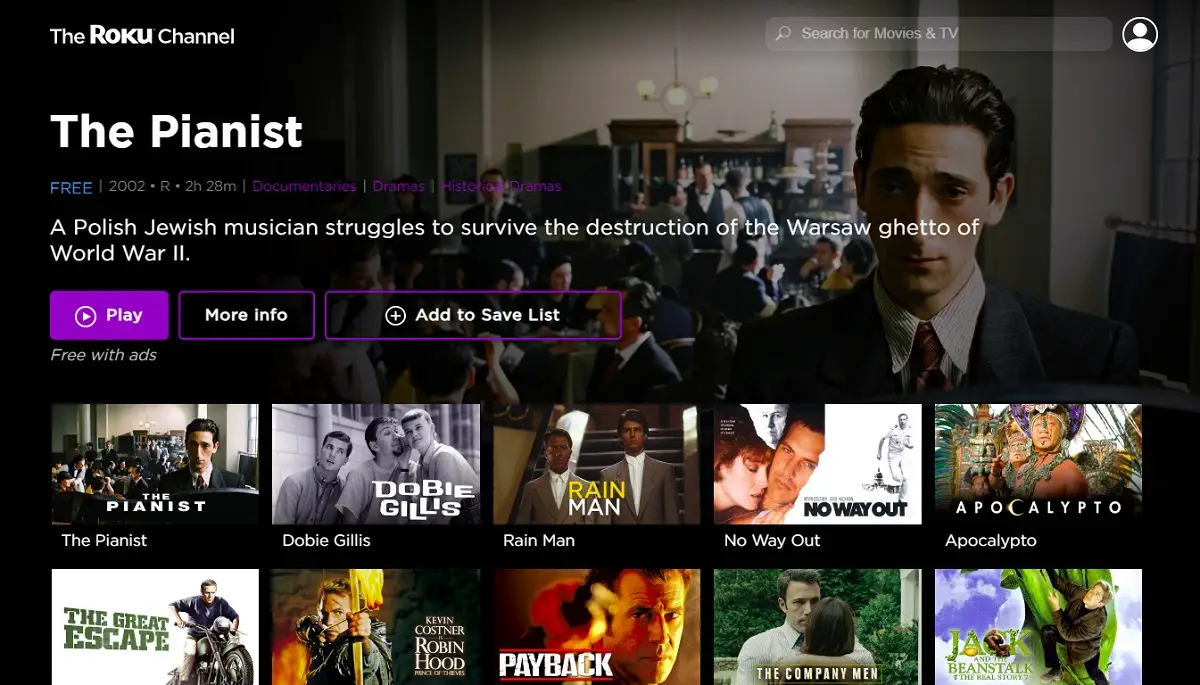
The Roku Channel is another free (and ad-supported) option I explore when I really don’t want to think much about what to watch.
I have noticed that it lets you watch some content without signing in, but for others, you must log in to your Roku account.
It has a big collection of TV shows. I can say that because I kept scrolling, and the list didn’t seem to end. That’s not all, though. You can also watch hundreds of movies, and there’s a decent live TV section.
I have seen full seasons of some old and forgotten shows, classic sitcoms, and dramas. It even has a Not on Netflix section, where you will find shows like Castle and The Equalizer.
The interface is straightforward. I can easily find titles or switch between categories. The Roku Channel app may be slightly better, but the browser experience is not bad either.
Technical Details
- Apps: All popular devices
- Resolution Quality: Up to 4K.
- Ads: Yes, it is an ad-supported platform
- Subtitles: Closed captions and subtitles available.
- VPN Compatibility: Yes, easily unlocks with a VPN anywhere (my friends in France and Singapore have tried it)
6. Xumo TV
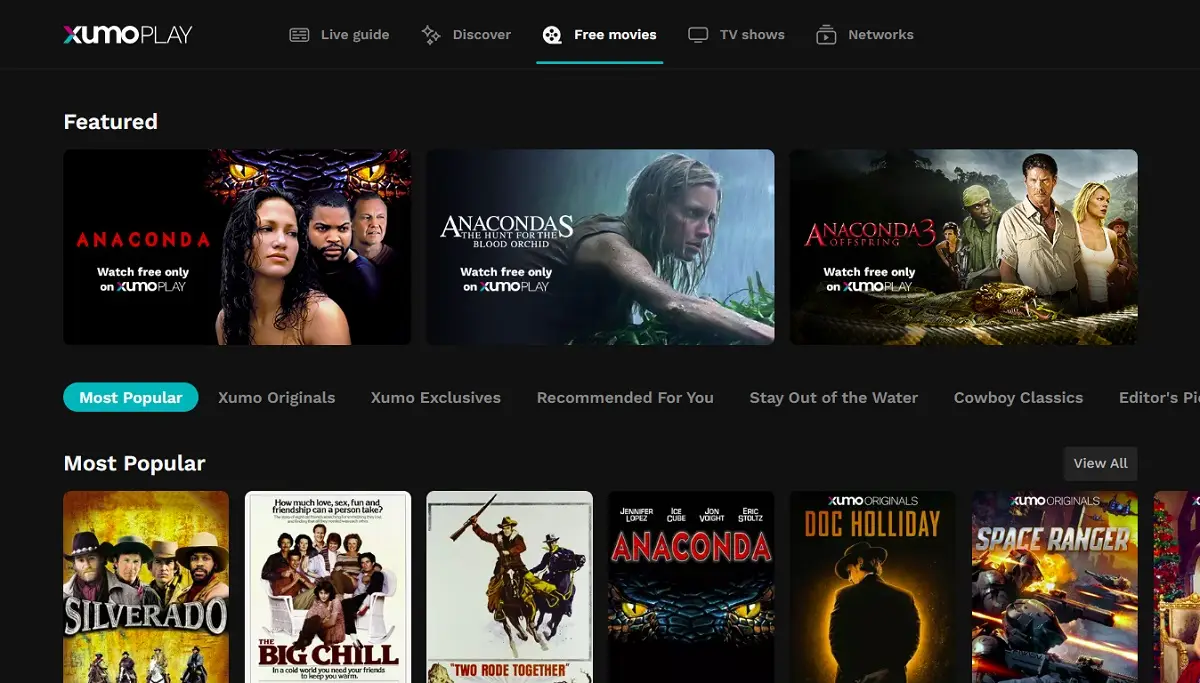
Xumo TV, or Xumo Play, is also a major name in the free-streaming world. It is an ad-supported platform that gives me options to watch TV shows, movies, and live TV.
The ads may slightly dampen the experience. I ran into 4 back-to-back ads even before the movie started, and each lasted more than 25 seconds. But that was not all. There were several ads during the playback.
The live TV guide reminds me of old-school cable, with hundreds of channels for news, sports, and entertainment. I remember stumbling onto Forensic Files one evening and somehow watching three episodes in a row.
It’s easy to navigate, though sometimes I scroll aimlessly until I find something random. You don’t even need an account, which makes it perfect when you just want to jump in and start watching.
- Apps: FireStick, Roku, Android TV, Apple TV 4K, Android, iOS, Windows, and Mac.
- Resolution: SD, HD, FHD, and UHD, depending upon the title
- As: Yes, it is an ad-supported platform
- Subtitles: Available
7. Popcornflix
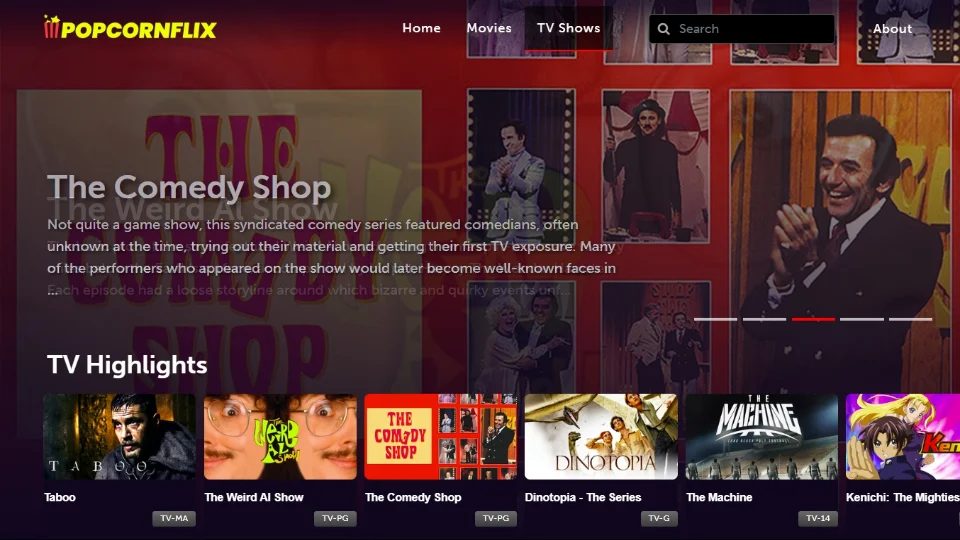
Popcornflix has been around forever. I think I first saw it mentioned years ago while looking for free movie apps. It’s simple — no sign-ups, no fuss, just hit play and go.
It doesn’t have new or trending shows, but that’s the charm. I’ve found old sitcoms, weird thrillers, and a few hidden gems I didn’t expect to enjoy. The ads appear once in a while, but nothing unbearable. When I just want background noise or something light, I end up here.
- Apps: Amazon FireStick and Roku
- Streaming Quality: Standard quality (SD).
- Ad Experience: Ad-supported, but not very annoying
- Subtitles & Accessibility: closed captions and subtitles are available.
8. Filmzie
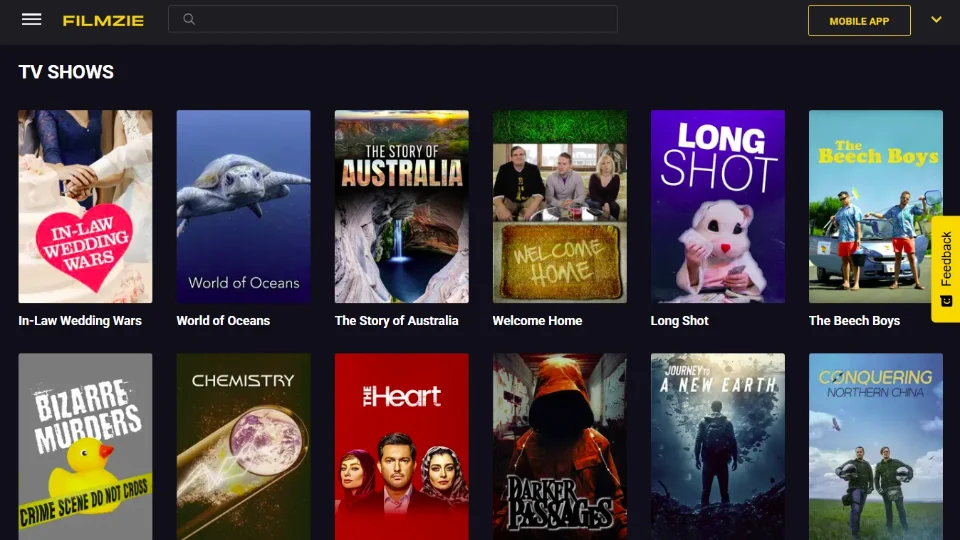
Filmzie is the type of app you check out when you’re tired of mainstream stuff. It’s smaller, yes, but the catalog has a surprising mix of indie and international shows.
It’s free with ads, though not the kind that interrupt you every few minutes. The first time I tried it, I ended up watching a short European drama I hadn’t even planned on. The interface is clean and straightforward, and you don’t have to sign up either, which I appreciate.
If you like offbeat or niche shows, Filmzie is one of those quiet corners worth exploring.
- Apps: Amazon FireStick, Roku, Apple TV, Android TV, Android, iOS, Windows, and Mac. App is available.
- Streaming Quality: Standard quality for older content and up to HD for recent titles.
- Ad Annoyance: Low to medium
- Subtitles & Accessibility: Closed captions and subtitles available in multiple languages.
- VPN Compatibility: Compatible with VPN.
9. Fawesome TV
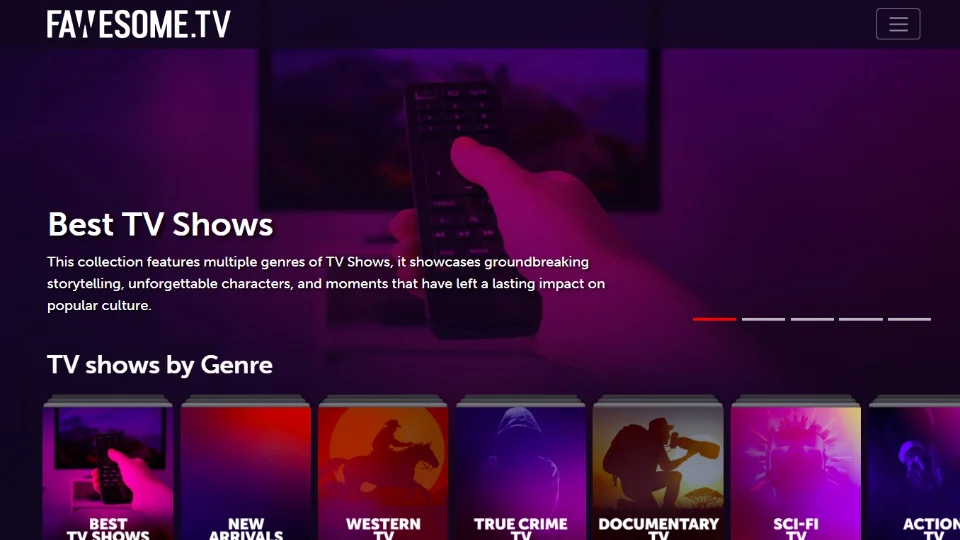
Fawesome TV kind of crept up on me. I wasn’t expecting much at first, but the library’s huge — especially if you like reality, mystery, or true crime.
What I really like are the themed playlists. You click one, and suddenly, you are down a rabbit hole of similar shows. The stream quality is reliable, and the app works well on almost everything I have tried.
And the best part? No login is required. Just open it and start streaming.
- Apps: Amazon FireStick, Android TV, Android, iOS, Roku, Windows, and Mac.
- Resolution: Up to 1080p HD, though some older titles stream in SD.
- Ad Experience: Shows ads.
- Subtitles: Closed captions and subtitles are available.
- VPN: Compatible with VPN.
10. Hoopla
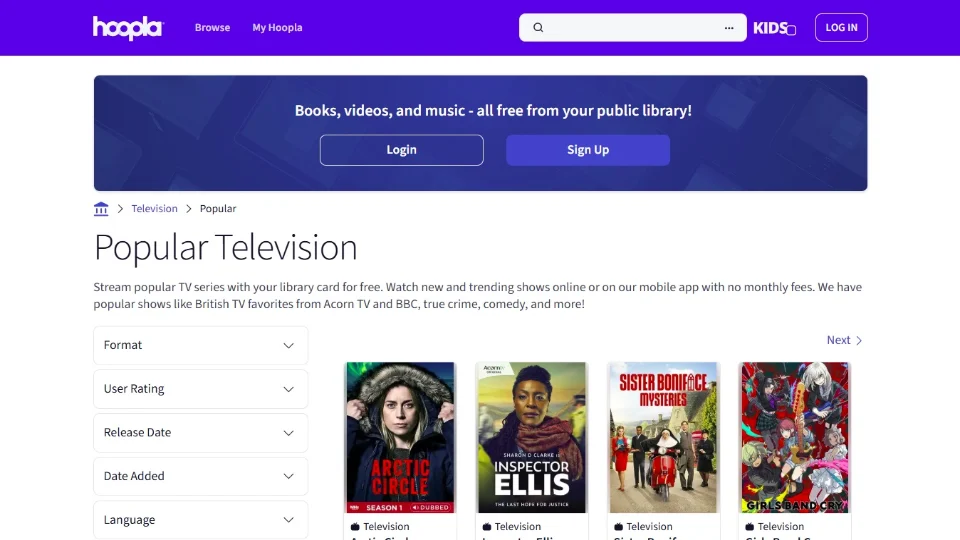
Hoopla feels like one of those secret gems no one talks about. It’s 100% free, though you’ll need a library card to sign in.
Once you’re in, there are no ads — just pure streaming. The collection leans toward quality over quantity.
The only catch is the borrowing limit set by your local library, which resets each month. Even so, it’s easily one of the best legit options if you’re tired of ad breaks.
- App Availability: Amazon FireStick, Roku, Android TV, Android, iOS, Windows, and Mac. App is available.
- Streaming Quality: Mostly HD, though quality varies by title.
- Ad Experience: No ads
- Subtitles: Closed captions and subtitles are available.
11. Fandango at Home
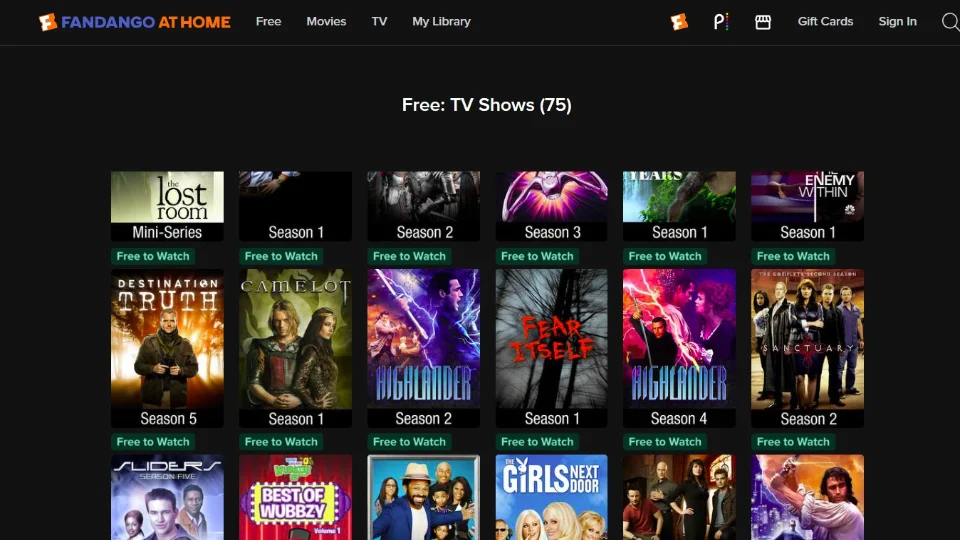
Fandango at Home, formerly Vudu – yeah, the one that used to be Vudu — has a nice mix of free and paid shows. I like to check the “Free” section when I’m not in the mood to rent anything.
You’ll find old favorites, classic sitcoms, and family series there. The ads don’t feel too heavy, and the picture quality is solid.
And when something new drops that I actually want to watch, I don’t mind renting it here either. It’s like having both worlds in one place.
- Supported Devices (App Availability): All major devices
- Streaming Quality: Standard quality (SD).
- Ad Experience: Shows ads.
- Subtitles & Accessibility: Closed captions available for some titles.
- VPN Compatibility: May not be compatible
12. Sling Freestream
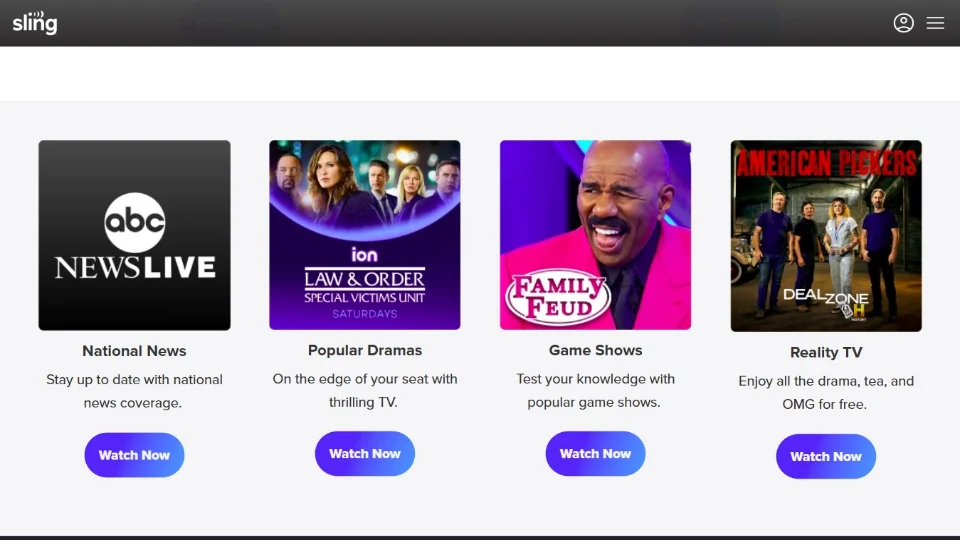
Sling Freestream is one of the newest additions to my rotation. It’s part of Sling TV, but the free section doesn’t need a subscription, which is great.
I mostly use it for live channels like BBC News, AMC Thrillers, and Red Bull TV, though the on-demand section also has plenty to browse.
Navigation is intuitive and straightforward. The stream quality is surprisingly good for a free platform. When I don’t feel like thinking too much about what to watch, I open Freestream.
- App Availability: Amazon FireStick, Android TV, Roku, Apple TV, Android, iOS, Windows, and Mac. App is available.
- Streaming Quality: Up to 1080p HD, with most content streaming in 720p.
- Ad Experience: Yes, there are ads, but the experience is not that bad
- Subtitles: Closed captions and subtitles available.
13. Kanopy
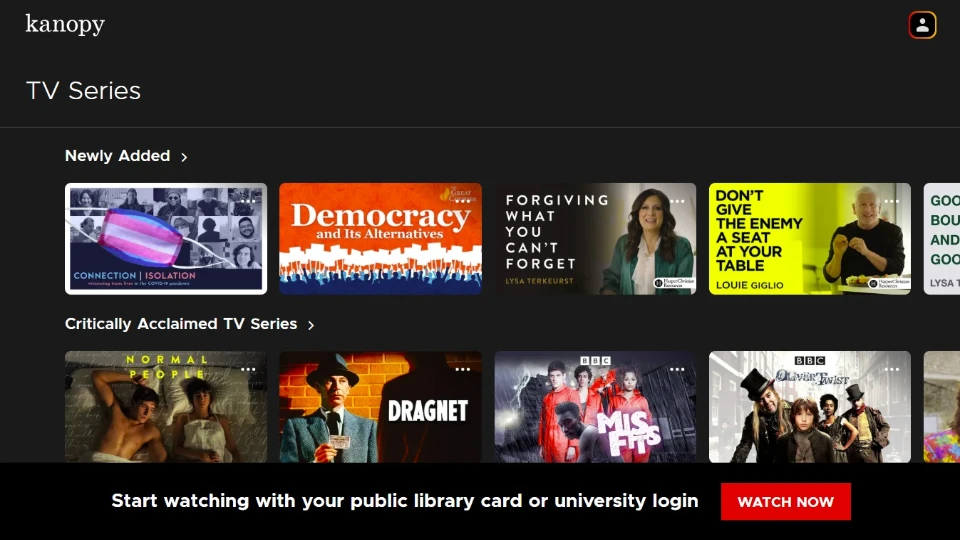
Kanopy’s another freebie that you can access with a library card. It’s not loaded with mainstream content — and that’s the point. The collection leans toward indie, educational, and documentary-style series.
It’s totally ad-free, which makes binge-watching smoother. I’ve come across some really well-made mini-series here that I wouldn’t have found anywhere else.
Kanopy feels more like sitting at a small film festival than browsing a streaming app, and that’s what makes it special.
- Apps: All popular devices
- Streaming Quality: 1080p HD.
- Ad Experience: Ad-free streaming.
- Subtitles & Accessibility: Closed captions and subtitles available.
Why Free Sites Matter?
It’s a no-brainer. The streaming costs are only going up, and subscription fatigue is on the rise. Managing multiple subscriptions is not only expensive but also highly challenging for me (and others).
Free, ad-supported platforms offer a legal and convenient way to watch a wide range of content without adding another monthly bill. They are especially useful for casual viewers, classic TV fans, and anyone looking for an affordable way to explore different genres.
How I Tested These Sites
My team and I tested over 20 sites for 4 weeks before finalizing this list.
I spent at least 20 minutes on each site to test real-world performance, such as ease of access, content variety, streaming quality, and safety and security.
However, testing is not a one-time thing. We check these sites at least twice a month to make sure everything is up to date.
Here is the step-by-step testing process:
Frequently Asked Questions
A: Yes, all the sites on this list are from official sources and are legal with proper licenses to distribute content.
A: Yes, you can access these sites in a browser. Some of them also have apps for FireStick and other devices, which you can download from the official app stores.
A: Yes, all the sites on this list are official and safe.
Wrapping Up
This guide covered some of the best sites to watch TV shows online for free. However, most of these sites are not limited to TV series. They also offer movies, anime, and kid-friendly content. Whether you enjoy sitcoms, binge-worthy dramas, or family shows, there is plenty to watch without spending anything.

Suberboost Your FireStick with My Free Guide
Stay Ahead: Weekly Insights on the Latest in Free Streaming!
No spam, ever. Unsubscribe anytime.





You can also add
Cinemadeck to this list.
A new but good site with more number of servers
Hi Tony, thank you for the suggestion. We will surely consider adding it.
I wanna watch a movie
Hi Mohammad, here is our list: https://www.firesticktricks.com/free-movie-streaming-sites.html